Our approach: This article is based on published product information and use-case analysis. We have not conducted hands-on testing for this article.
TechGearPilot may earn a commission from qualifying purchases made through links on the site, at no extra cost to you. How our links work.
The useful charging speed is the capability shared by the source, device, and cable in the current configuration. A USB-C plug or a large wattage alone cannot establish it.
USB-C charging is easiest to understand as an agreement among several parts. The power source offers certain capabilities, the connected device requests a supported mode, and the cable must be suitable for the resulting connection. The useful outcome is the capability they share in that particular setup.
This explains several otherwise confusing situations: a phone connected to a powerful laptop adapter does not automatically take all its power; a high-rated cable cannot make a weak charger stronger; and adding a second device to a shared adapter may change the first device’s available power.
USB Power Delivery, or USB PD, is the system behind much of that negotiation. Understanding its role makes it easier to buy a charger, diagnose a slow connection, and avoid paying for features your devices cannot use.
Start with the three parts of the connection
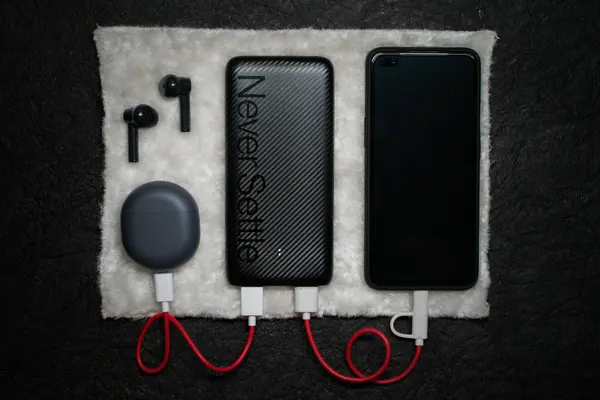
The source supplies power. It might be a wall adapter, power bank, monitor, or docking station. The sink receives power, such as a phone or laptop. The cable connects them and has its own capabilities. Some products can change their power role depending on the connection.
The USB-IF describes PD as a flexible power-management system that allows equipment to negotiate what it needs. This is different from assuming a connected device must accept the source’s highest rating. The USB-IF overview provides the standards context.
For a shopper, the consequence is straightforward: inspect every part of the path. Replacing only the adapter does not solve a cable limitation or make a device support a mode it never offered.
USB-C is the shape; PD describes power behavior
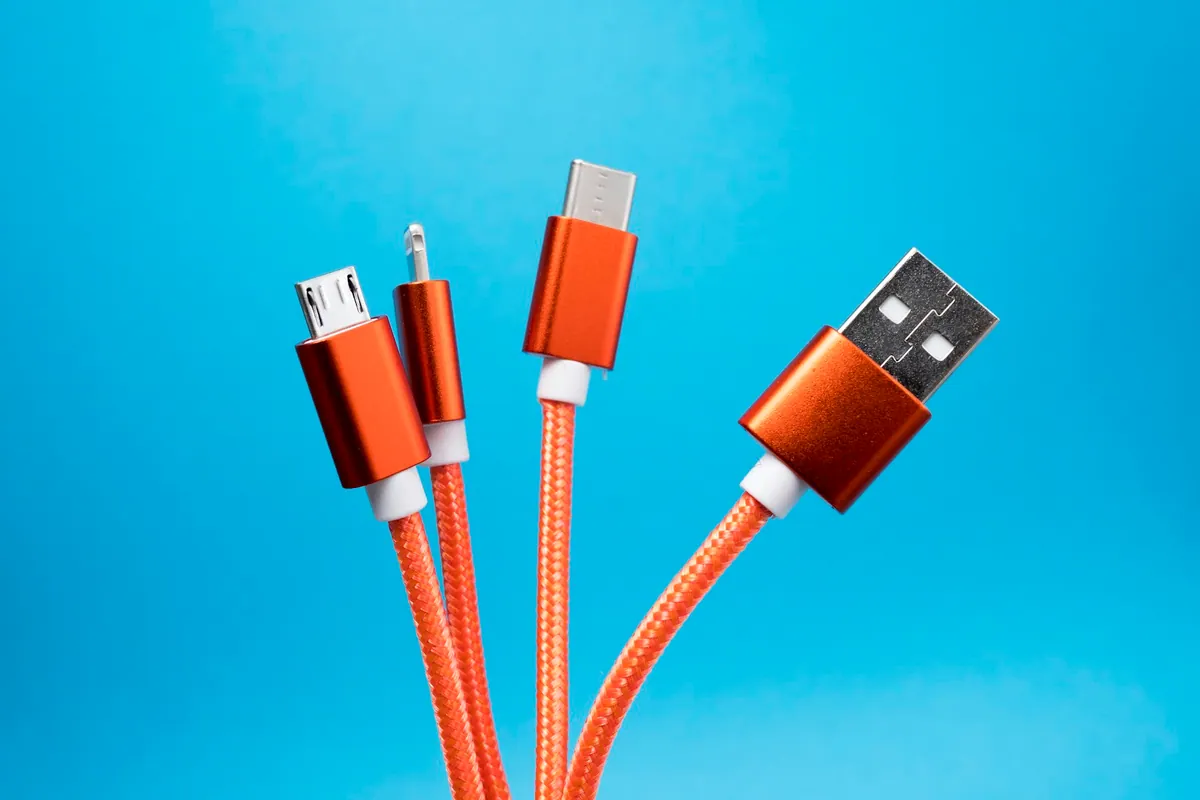
A USB-C connection can carry power and, depending on the implementation, data or display signals. These capabilities must be specified rather than inferred from the connector. Two leads that fit the same sockets can be intended for very different jobs.
For example, a charging cable that is sufficient for a phone may not suit a demanding notebook. A high-power cable may still be unsuitable for a high-speed external drive or a monitor connection. Conversely, buying an expensive data cable does not guarantee that a wall charger has the output your laptop needs.
Keep your shopping list explicit: charging requirement, data requirement, and display requirement. If you only need bedside power, the latter two may not matter. If one cable connects the entire desk, they matter a great deal.
How watts, volts, and amps relate
Power in watts is voltage multiplied by current in amps. A 20V, 3A output represents 60W. A 20V, 5A output represents 100W. These simple calculations describe a listed profile; they do not predict what a particular device will draw throughout a charging session.
Look for the charger’s output table rather than reading only its largest wattage. A device needs a compatible voltage and current combination, not simply an impressive total. The cable and connector system also need to support that combination.
| Label or number | Useful interpretation | Common incorrect assumption |
|---|---|---|
| 100W single-port maximum | One port can reach that limit under supported conditions | Every connected device receives 100W |
| 100W total | The adapter has a shared overall budget | Each socket gets the full amount |
| 240W cable | The cable supports its rated power conditions | It creates a 240W charging connection |
| USB PD support | The product implements stated PD capabilities | Every optional mode is supported |
| PPS support | Adjustable-supply capability is offered | Every phone’s fastest mode is guaranteed |
Read one output profile at a time
A list such as 5V, 9V, 15V and 20V describes alternative supported modes, not voltages or wattages to add together. Use the voltage and current from the same listed mode when calculating its ceiling:
| Example profile | Calculation | Interpretation |
|---|---|---|
| 9V at 3A | 9 × 3 = 27W | A supported 27W mode, if the source, sink and cable agree on it |
| 20V at 3A | 20 × 3 = 60W | A 60W mode; the same connector does not establish a 100W mode |
| 20V at 5A | 20 × 5 = 100W | Requires equipment and a cable suitable for that current |
| 48V at 5A | 48 × 5 = 240W | An Extended Power Range example, not a capability of every PD device |
The arithmetic is a label-reading exercise, not observed charging power. A device may use less than the maximum, change modes, or lower its demand as battery conditions change. Never attempt to force a voltage or modify a supply to match the table.
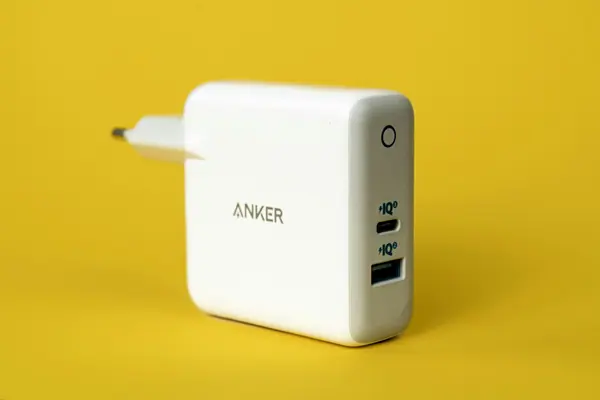
There is a second distinction at a multiport charger: one port’s supported profiles and the adapter’s combined budget are different specifications. First check the profile on the intended port; then check the allocation when other ports are occupied. The charging power planner helps with the combined budget, but it cannot detect PD/PPS support or read a cable’s capabilities.
This two-stage check explains why a successful connection can still disappoint: the device may have a compatible mode, while the selected port combination offers less power than your routine needs. Start troubleshooting with the exact output and allocation tables rather than treating the word PD as a speed guarantee.
What PPS changes
PPS stands for Programmable Power Supply. Rather than describing only a set of fixed output choices, it provides an adjustable supply capability used by compatible charging systems. The precise supported range and current still matter.
Renesas explains PPS alongside other PD functions in its technical overview. It is a capability of the power-management system, not a blanket guarantee that any two products with PPS in their descriptions will reach a phone’s advertised peak. Read the Renesas explanation.
The practical advice is to check the exact phone model and the manufacturer’s charger guidance. Do not purchase based solely on a protocol acronym. A charger can have enough nominal laptop wattage while lacking a particular phone charging mode, as discussed in our UGREEN Nexode 65W review.
What Extended Power Range means
USB PD’s Extended Power Range makes higher power possible with suitable equipment. The USB-IF describes fixed-voltage levels of 28V, 36V, and 48V, enabling up to 140W, 180W, and 240W respectively. Those are standard capabilities, not the output of every PD charger. See the USB-IF’s EPR overview.
A product marked with a newer PD revision does not automatically supply the maximum power that revision permits. Check its actual output table and the device’s accepted input. For high-power use, the appropriate EPR-capable cable is part of the setup, too.
For a phone-only user, these higher limits are usually a reason to read carefully rather than spend more. A laptop owner may benefit, but only when the computer supports the relevant input and the intended workload justifies it.
Cable markings: power is separate from speed
USB-IF’s current certification guidance requires USB-C-to-USB-C cable power markings of 60W or 240W for the covered cable categories. A certification label identifies a defined capability; it does not upgrade the products attached to the cable. Read the cable requirements.
Older clearly specified cables may use different ratings. If an existing cable already supports the required connection, do not assume it becomes unsuitable just because current packaging uses newer labels. If you are buying today, seek clear power specifications and separately check any required data rate or video support.
USB-IF also maintains a certified product search. Use exact model information when checking a certification claim rather than treating a logo in a marketplace image as conclusive evidence.
Why charging power changes during use
The rated ceiling is not a constant operating target. Battery state, device temperature, active workload, and charging management can influence the power accepted. A notebook can be charging and consuming energy for work at the same time. A phone approaching a full battery need not continue drawing its earlier peak.
Shared adapters add another variable. When you occupy another port, the source may allocate power differently. Check the manufacturer’s diagram for that exact combination. Never assume that a four-port adapter is equivalent to four separate full-power supplies.
A dock introduces another layer. Its advertised input may not equal the power passed to a connected laptop because the dock and attached devices can have their own requirements. Read the downstream charging specification, not just the number beside the dock’s power input.
A sensible troubleshooting sequence
Start by connecting one device directly to the intended high-power port with a known suitable cable. Remove docks and other shared loads temporarily. Check the device’s charging information and the manufacturer’s recommended adapter specification.
If that works as expected, add the other components back one at a time. A change after adding a second device points toward allocation; a change after substituting a cable points toward the cable or connection. These observations narrow the question, but they do not establish laboratory measurements or rule out all faults.
If a product behaves unusually, appears damaged, or repeatedly disconnects with a documented compatible setup, follow the maker’s support guidance instead of trying to force a higher mode. A replacement should solve the identified limitation, not merely have a larger number.
What this means for your next purchase
Write down the device’s accepted input, required cable capability, and the number of devices that must charge together. Then compare products on those requirements. Our charger selection walkthrough turns this into a shopping process, while the charger shortlist supplies concrete options.
For a power bank, add capacity and recharging input to the checklist. For a compact adapter, remember that GaN concerns internal design rather than a new charging protocol. Once those terms are separated, USB-C becomes much easier to shop for: choose the complete compatible connection, not just the connector or the highest number.
Reader questions
Are USB-C and USB Power Delivery the same thing?
No. USB-C describes the connector system, while USB Power Delivery describes power negotiation. A USB-C connector alone does not establish every supported power, data, or video feature.
Does PD 3.1 mean a charger provides 240W?
No. Extended Power Range allows higher capabilities, but a specific product only supplies the power and modes listed in its specifications.
Will a 240W cable make my phone charge at 240W?
No. The cable rating is a supported limit. The charger and phone still need to support and agree on a charging mode, and the phone determines what it accepts.
Sources & further reading
Product information checked October 24, 2026. Specifications and availability can change.